HUANUO HNDS6 Dual Monitor Arm: Fit & Mounting Guide
The HUANUO HNDS6 is worth shortlisting when both monitors and your desktop meet its mounting requirements. Start with the weight of each screen without its original stand, its VESA mounting pattern and the construction of your desk. Screen size alone does not establish compatibility.
This buying guide uses manufacturer documentation and a checked product listing, rather than hands-on testing. The Amazon option linked here is the black HNDS6, also described as the HUANUO FlowLift dual monitor stand.
As an Amazon Associate I earn from qualifying purchases.
HUANUO HNDS6: the main compatibility checks
| Check | HNDS6 reference | Before ordering |
|---|---|---|
| Screen size | 13–32 inches | Check the actual monitor model, not just its diagonal |
| Weight per arm | 4.4–19.8 lb | Compare each screen’s weight without its stand |
| Mounting pattern | VESA 75 × 75 or 100 × 100 mm | Check hole spacing, recesses and mounting access |
| Desk attachment | C-clamp or grommet mounting | Confirm desk material, thickness and underside clearance |
Check HUANUO HNDS6 dual monitor arm — black — on Amazon (paid link)
Measure the monitors before the desktop
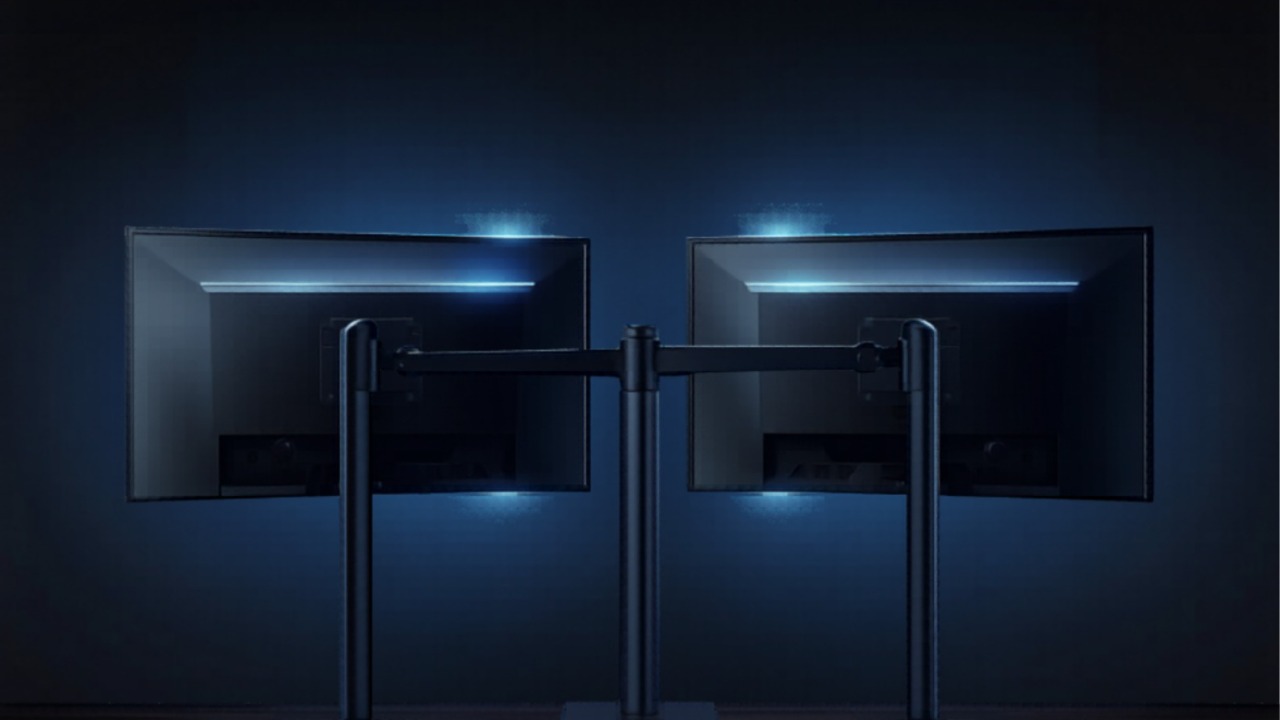
The manufacturer lists independent screen adjustment, including tilt, swivel and rotation. That gives you more positioning choices than many original monitor stands, but the usable arrangement still depends on screen width and available space.
Find the weight without the base in each monitor’s documentation. Two screens with the same diagonal can have different weights and mounting layouts. Do not substitute a combined weight for the individual rating of each arm, and remember that a spring arm has a minimum load as well as a maximum.
Look at the back of the monitor too. A recessed VESA area, fixed stand hardware or an adapter can change the installation. Confirm any required adapter with the monitor and mount manufacturers before adding it to your order.
Check the desk edge and underside
A clamp needs an appropriate surface above and below the desktop. Measure at the actual mounting position, including any lip, apron, crossbar or cable tray. A desktop’s overall advertised thickness does not tell you whether the clamp has clear contact underneath.
The installation instructions matter more than a generic “fits most desks” claim. Check the manual supplied with your exact revision. If your desktop is glass, plastic, hollow or engineered wood, ask the manufacturer about suitability before ordering; do not assume that an extra plate makes every surface compatible.
A grommet installation uses a suitable hole through the desktop. Check its location, dimensions and underside access in the instructions. Treat drilling as a separate decision, particularly with a desk that contains cable routing or structural components.
Plan how you will use both screens
Sketch your usual arrangement: side by side, one screen centered, or a portrait screen beside a landscape display. Include the space behind the desk and the route each arm must take. A wall, shelf or window sill can limit movement even when the mount fits the screens.
Leave enough cable slack for the intended movement, then check it throughout the range you expect to use. Built-in cable routing does not make a short display cable longer. Our desk cable management guide helps organize the remaining connections.
Who should consider this arm?
Shortlist it if you have two compatible screens and want to replace their individual bases with a shared desk mount. Reconsider it if either screen falls outside the stated limits, the desktop material is uncertain or the clamp would interfere with your desk structure.
For a new display purchase, compare our monitor buying guide before choosing the arm. If you use an ultrawide, check its exact dimensions and weight rather than assuming it belongs in the same setup as a conventional screen.
Buying and installation questions
Does this guide cover every HUANUO dual arm?
No. HUANUO sells several models with different limits. Match the HNDS6 name, selected black variant and stated specifications to the offer before paying.
Will it guarantee a wobble-free desk?
No. This guide does not include stability testing, and desk construction and installation affect the result. Follow the supplied manual, inspect the hardware and contact support if the mounting conditions are unclear.
References: HUANUO DS6/HNDS6 product information and the manufacturer-linked HNDS6 manual. Confirm the instructions included with your offer.