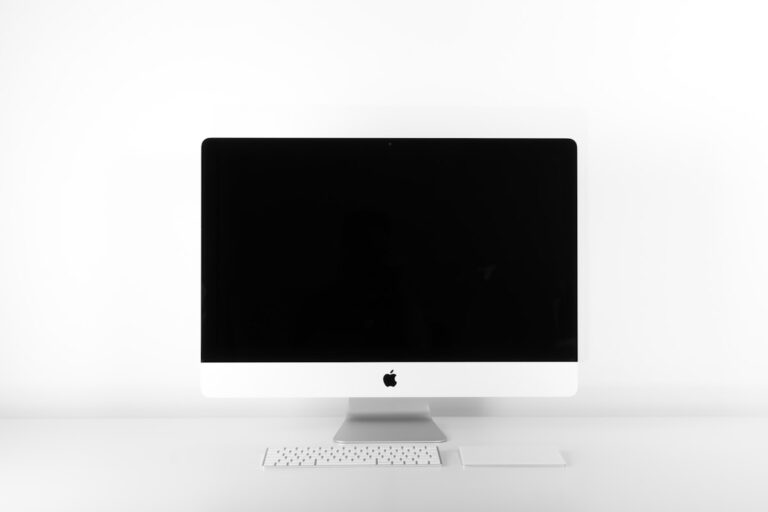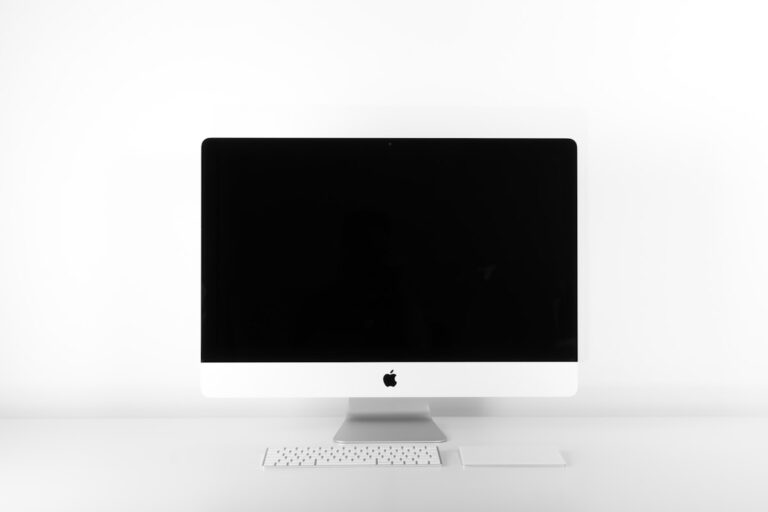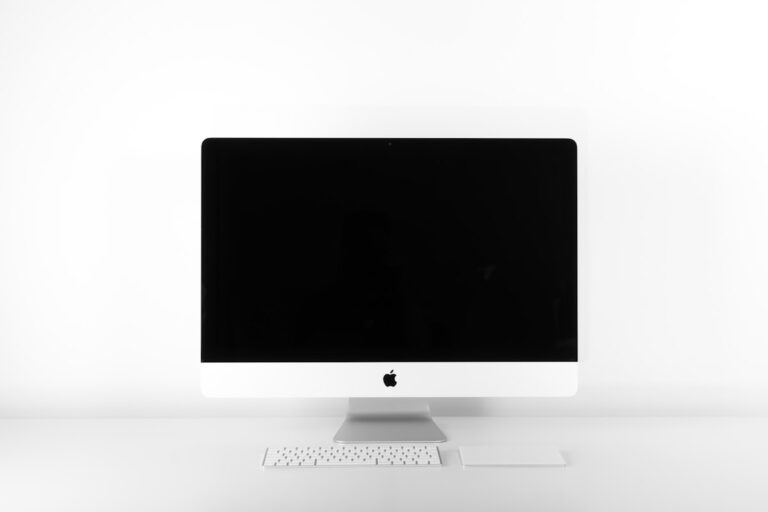
Home Office Monitor Under $300: ASUS PA278QV Buying Guide
Shopping for the best home office monitor under $300? Start by comparing resolution and connections, then check the current checkout total. The ASUS ProArt PA278QV is a candidate for detailed spreadsheets and side-by-side windows if its complete cost fits your budget. We include the Dell P2722H as a 1080p specifications reference; we have not verified a current Amazon offer for that exact model.
Both are 27-inch monitors with adjustable stands. Neither provides a USB-C connection that carries video and charges your laptop. This guide uses manufacturer specifications. Prices and available offers change, so the linked ASUS is not guaranteed to stay below $300.
As an Amazon Associate we earn from qualifying purchases. Amazon links below are paid links.
ASUS PA278QV vs. Dell P2722H at a glance
| Feature | ASUS ProArt PA278QV | Dell P2722H |
|---|---|---|
| Screen | 27-inch IPS, 2560 × 1440 | 27-inch IPS, 1920 × 1080 |
| Video inputs | HDMI 1.4, DisplayPort 1.2, Mini DisplayPort, dual-link DVI-D | HDMI 1.4, DisplayPort 1.2, VGA |
| USB hub | Four USB-A ports; separate upstream connection | Four USB-A ports; separate upstream connection |
| Stand | Height, tilt, swivel and pivot | Height, tilt, swivel and pivot |
| Role in this guide | Higher-resolution candidate; check the linked offer | 1080p comparison reference; no verified Amazon offer |
| Laptop charging over USB-C | No | No |
ASUS ProArt PA278QV: prioritize resolution
The PA278QV is the first model to compare if you regularly work with dense documents, multiple browser windows or image editing. Its 1440p panel has more pixels than a 1080p panel of the same size. That gives you a choice between more workspace and larger interface scaling, depending on what you find readable.
ASUS lists 100% sRGB and Rec. 709 coverage, factory calibration and a maximum 75 Hz refresh rate. Those specifications make it a useful candidate for work that includes color-sensitive material, although your software and color-management settings still matter.
Check the exact model: PA278QV is the model covered here. Similarly named ProArt versions can have different connections. This one has HDMI 1.4, DisplayPort, Mini DisplayPort and DVI-D; it does not have USB-C or 65 W laptop charging. Keep your laptop charger available.
Check the ASUS ProArt PA278QV on Amazon (paid link)
Specifications: ASUS PA278QV overview and connection and display details.
Dell P2722H: a 1080p comparison reference
The P2722H pairs a 27-inch 1080p IPS screen with an adjustable stand and a four-port USB-A hub. Its specifications illustrate the lower-resolution option for a single main application, email and calls. There is no Amazon purchase link here because we could not verify an offer for this exact model.
The tradeoff is resolution. At the same screen size, 1080p has fewer pixels for text and fine detail. If you like small text or keep several windows visible, prioritize the ASUS comparison before choosing the cheaper offer.
Dell specifies HDMI, DisplayPort and VGA inputs. Connect the separate USB upstream cable to your computer to use the monitor’s USB ports. A video cable alone does not activate that hub.
Do not assume a listing for P2722HE or another similar model has the same ports and specifications.
Specifications: Dell P2722H user guide.
Keep the complete setup within $300
- Compare the checkout total: include tax, delivery and any cable or adapter you need. Check the seller, condition and return terms for the selected offer.
- Match your computer’s output: a USB-C laptop may need a compatible video adapter or dock. Confirm that its port supports video output before buying accessories.
- Check the package: confirm the stand and required cables are included, especially for used or renewed offers.
- Measure your desk: allow space for the stand, keyboard and a viewing distance that suits your work.
Planning two screens? Use our dual-monitor setup guide to check connections before ordering. For lighting above the display, compare mounting requirements in our monitor light bar guide.
Frequently asked questions
Should I choose 1080p or 1440p at 27 inches?
Choose 1440p when text detail and multiple windows are priorities. Consider 1080p when the price difference matters more and your work fits comfortably in fewer windows. Adjust scaling to your preference.
Can either monitor replace my laptop charger?
No. Neither model offers USB-C Power Delivery for charging a laptop. Plan for a video connection, your charger and a separate upstream USB connection if you want the monitor’s hub.
Which should I check first?
Check the ASUS PA278QV offer and total first if you want 1440p. Use the Dell specifications to decide whether a lower-resolution screen would suit your work, but verify any exact model and seller separately. If the ASUS exceeds $300 after accessories, it does not meet that budget.