Wireless Keyboards Under $50: K380 vs MK270
Quick choice: Compare the Logitech K380 if you want a compact Bluetooth keyboard for switching devices, and the MK270 if you want a full-size Windows keyboard and mouse with a USB receiver. Check the exact listing and delivered total against your $50 budget.
Research-based comparison, updated October 21, 2026. We have not performed hands-on typing or battery tests. As an Amazon Associate we earn from qualifying purchases. Links marked paid link may earn us a commission.
Which connection fits your desk?
| Model | Connection | Choose for | Check first |
|---|---|---|---|
| Logitech K380 | Bluetooth | A compact multi-device setup | Bluetooth support and regional layout |
| Logitech MK270 | 2.4 GHz USB receiver | A Windows desk needing a keyboard and mouse | Available USB port and included receiver |
1. Logitech K380: compact Bluetooth option
Logitech documents pairing with up to three devices and switching between them. This is useful when you write on a computer and also use a tablet or phone. It does not mean keystrokes go to all three at once. Check supported operating-system versions for your specific devices.
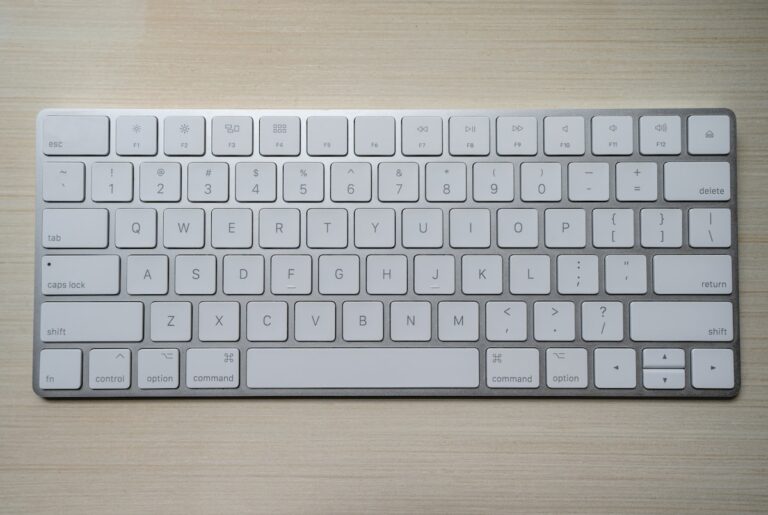
The compact layout saves desk space, but check the key arrangement before buying if you regularly enter numbers or use a separate number pad. The K380 and newer similarly named models are different products; confirm the model in the listing.
Check Logitech K380 on Amazon (paid link)
2. Logitech MK270: full-size keyboard and mouse combo
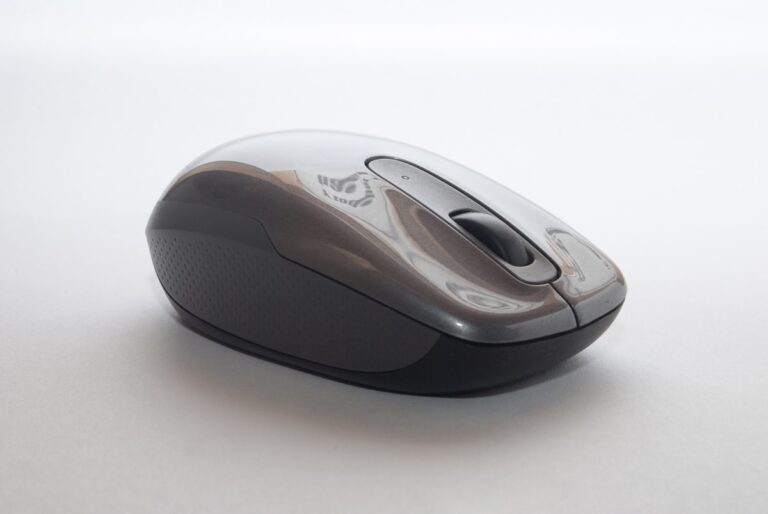
The MK270 uses a 2.4 GHz USB receiver rather than Bluetooth. Logitech’s technical specifications identify a non-Unifying nano receiver and Windows support. Verify that the package includes the correct receiver; do not assume a spare Logitech receiver will work.
This suits a fixed desk where a full-size layout and included mouse matter more than switching among several devices. If your laptop only has USB-C, account for the necessary adapter or dock. Check the exact regional keyboard layout and operating-system requirements.
Check Logitech MK270 specifications at Logitech
Before spending your $50 budget
- Delivered total: Include shipping, tax and any adapter. These are candidates to compare against a budget, not guaranteed under-$50 offers.
- Layout: Confirm language, key legends and the presence of the keys you use daily. Product photos may show a different regional variant.
- Condition: Compare new, used and renewed listings separately. Check included accessories and return terms.
- Desk fit: Leave room for a mouse and a comfortable position. A keyboard described as ergonomic does not guarantee relief from discomfort.
Bluetooth or USB receiver?
Use Bluetooth when your devices support it and you want to avoid occupying a USB port. A receiver-based combo is a different choice: confirm the port, included receiver and compatibility. Neither connection is automatically better for every desk. Employer-managed computers may restrict pairing or software installation.
Do you need a mechanical keyboard?
It depends on your layout, noise tolerance and typing preference. Spending more does not ensure a better fit. For broader options, see our home office keyboard guide. If your laptop needs extra ports, compare the compatibility checks in our USB-C docking station guide.
How long will the batteries last?
Battery-life claims are manufacturer estimates, not our measured results. Usage, batteries and connection conditions affect replacement intervals. Read the specification for the exact model and package rather than assuming every wireless keyboard uses the same battery type.
Sources
Logitech K380 product information; Logitech MK270 technical specifications. Confirm model, layout, connection and delivered total before checkout.