Best Document Holder for Desk (2026) — Save Your Neck
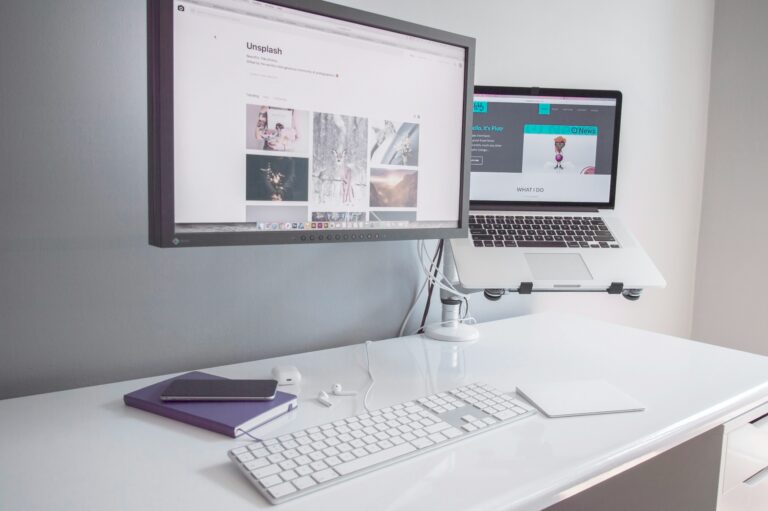
If you’re constantly looking down at papers while typing, a document holder can save your neck — literally. These are the best desk document holders under $35 for home office workers in 2026.
Quick Verdict
The 3M Document Copy Holder is our top pick — attaches to your monitor, adjustable, and keeps papers at eye level. The AIDATA Freestanding Document Holder is best if you prefer not to attach anything to your monitor.
Best Document Holders for Desk (2026)
1. 3M Document Copy Holder — Best Overall
Attaches directly to the side of your monitor or sits flat on the desk. Holds up to 30 sheets. Adjustable line guide helps you track your place. Folds flat for storage. Around $22 — a classic for a reason.
→ Check 3M Document Holder on Amazon
2. AIDATA Freestanding Document Holder — Best Freestanding
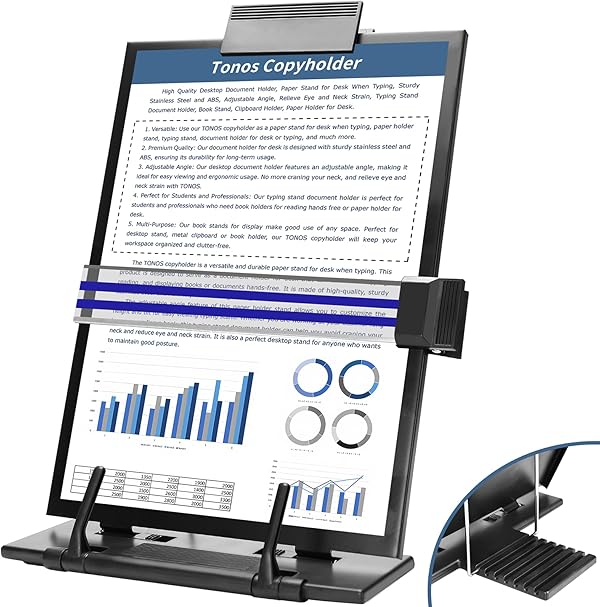
Heavy base, 180° rotation, holds letter-size papers and legal pads, magnetic page guide, adjustable tilt. Doesn’t attach to your monitor so works with any desk setup. Around $28.
→ Check AIDATA Document Holder on Amazon
3. Kantek In-Line Document Holder — Best for Keyboards
Sits between your keyboard and monitor, keeping papers directly below screen level. Great for transcription work. Holds up to 50 sheets. Around $18. Ideal for minimalist setups.
→ Check Kantek Document Holder on Amazon
4. Fellowes Partition Additions Document Holder — Best for Heavy Use
Durable plastic, holds up to 50 sheets, clips to cubicle walls or sits on desk, adjustable angle. Built for daily professional use. Around $20. Sturdy and practical.
→ Check Fellowes Document Holder on Amazon
Why Use a Document Holder?
Looking down at papers while you type causes neck flexion — repeatedly doing this leads to muscle tension and long-term strain. Placing your reference materials at monitor height keeps your neck neutral. If you do any amount of transcription, data entry, or document review, a holder pays for itself in comfort within the first week.
FAQ
Can document holders hold tablets?
Some freestanding holders like the AIDATA can hold a tablet in a stand slot — but purpose-built tablet stands are better for that use case.
Will a monitor-attached holder damage my screen?
No — they clip onto the monitor bezel with soft rubber grips that don’t scratch. They’re designed specifically not to damage monitors.