Best Laptop Stand Under $40 in 2026: Top 4 Picks for Home Office and Travel
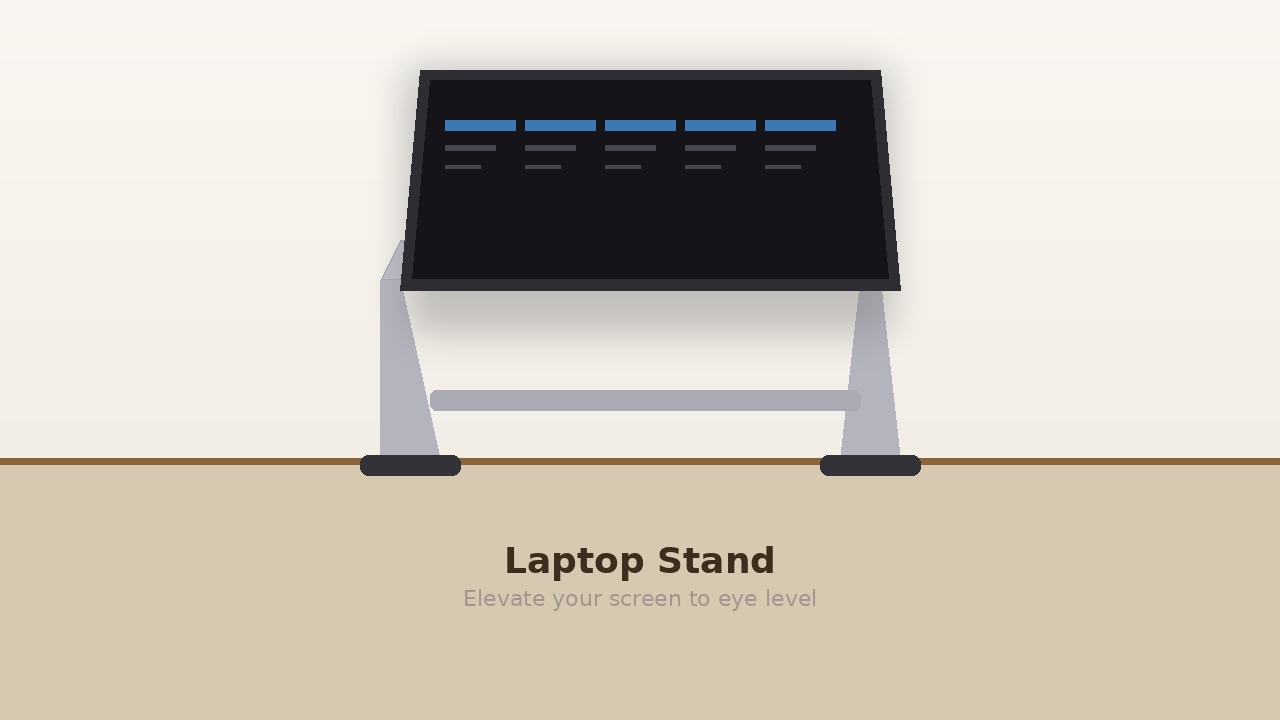
A good laptop stand raises your screen to eye level, improves posture, and keeps your laptop cool — all for under $40. Whether you need something portable for travel or a permanent desk fixture, here are the best laptop stands under $40 in 2026.
🏆 Quick Verdict
Best Overall: Nexstand K2 — lightweight, portable, adjustable to 9 heights, under $35.
Best Budget: Viozon Laptop Stand — under $20, sturdy aluminum, good airflow.
Best Desk Stand: Rain Design mStand — premium look, single solid piece, great for home offices.
Best Laptop Stands Under $40 in 2026
1. Nexstand K2 Portable Laptop Stand — Best Overall
The Nexstand K2 collapses to the size of a ruler and weighs only 5 oz, making it the best option for people who work from multiple locations. It adjusts to 9 height levels (up to 13.5 inches) and supports laptops up to 15.6″. Sturdy enough for daily use, portable enough for the coffee shop.
Price: ~$28–$35 | Rating: ⭐ 4.6/5
2. URMUST Laptop Stand — Best Budget Aluminum
For under $20, the URMUST offers a solid aluminum build with 6 adjustable height levels. It has rubberized contact points to protect your laptop from scratches and an open design that maximizes airflow. Supports laptops from 10″ to 15.6″.
Price: ~$16–$22 | Rating: ⭐ 4.5/5
3. Nulaxy Dual-Use Laptop Stand — Best for Desktops
The Nulaxy stand is designed to stay on your desk permanently. It has a wider base for stability, raises your laptop 8 inches above desk level, and has a drawer underneath for storing small items. A built-in phone holder is a nice bonus.
Price: ~$25–$35 | Rating: ⭐ 4.6/5
4. Lamicall Laptop Stand — Best for MacBooks
The Lamicall has a clean, minimal aluminum design that looks like it was made for MacBooks. Adjusts to 6 angles, has silicone pads to protect the laptop’s finish, and folds flat for storage. Compatible with all MacBook models and most Windows laptops up to 15.6″.
Price: ~$22–$30 | Rating: ⭐ 4.6/5
Frequently Asked Questions
Is a laptop stand worth it?
Yes — especially if you use your laptop as your primary work computer. Raising the screen to eye level significantly reduces neck strain, and improved airflow from the stand can prevent overheating, which extends your laptop’s lifespan.
Do I need a separate keyboard with a laptop stand?
Yes. Once your laptop is raised, the built-in keyboard will be too high to type comfortably. Pair your stand with an external keyboard and mouse — a $25–$40 wireless combo works perfectly.
What angle should a laptop stand be at?
Aim for an angle where the top of your screen is at or slightly below eye level. This usually means raising the laptop 4–8 inches above desk height, depending on your chair height and desk setup.