Research shows dual monitors boost productivity by 20–50% for knowledge workers. More screen space means fewer alt-tabs and a better workflow. Here’s how to build the best dual monitor home office setup in 2026.
Best Dual Monitor Pairs
- Best 27″ QHD: 2× Dell S2722DC USB-C Monitors
- Best 27″ FHD Budget: 2× ASUS VZ27EHE IPS Monitors
- Best Mixed Setup: LG 34″ Ultrawide + 27″ Secondary
👉 Shop Monitor Pairs on Amazon
Best Dual Monitor Stand
- Best Overall: VIVO Dual Monitor Stand (13–27″, 5-year warranty)
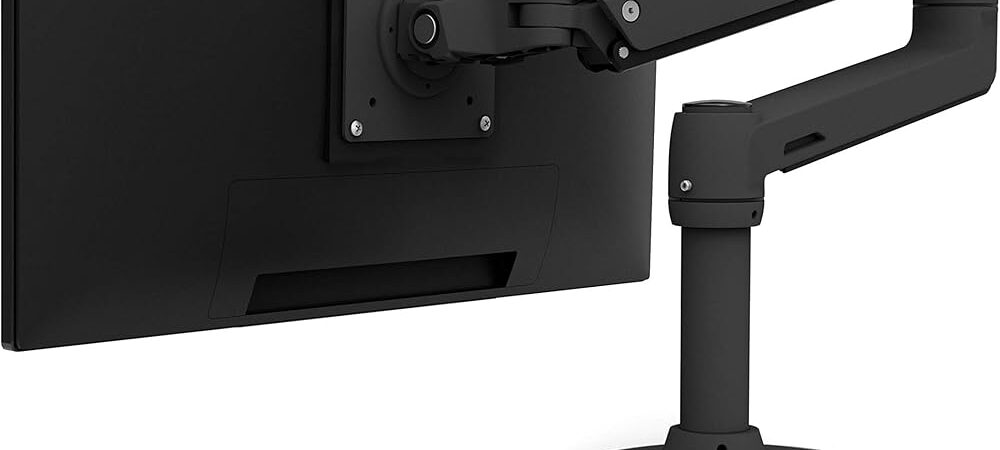
- Best Premium: Ergotron LX Dual Stacking Arm
- Best Budget: MOUNTUP Dual Monitor Mount
👉 Shop Dual Monitor Stands on Amazon
How to Position Dual Monitors
- Primary screen: Directly in front at eye level
- Secondary screen: 30-degree angle to the side, turned toward you
- Height: Top of both monitors at or slightly below eye level
- Distance: 24–30 inches from your eyes
What You Need for Dual Monitors
- Two compatible monitors (same size/resolution ideal)
- Dual monitor stand or arm
- Computer with two video output ports
- HDMI or DisplayPort cables